
ARM Release 4.5 supports the new Arduino Uno R4 boards


#1

The ARM version of uLisp now adds support for the two new Uno R4 boards from Arduino, which are based on the Renesas RA4M1 ARM Cortex M4 CPU, with 256 KB flash memory, 32 KB RAM, and a 48 MHz clock. With the same form factor as the original Arduino Uno, and a 5V operating voltage, they are compatible with many of the same shields, while offering more memory and higher performance.

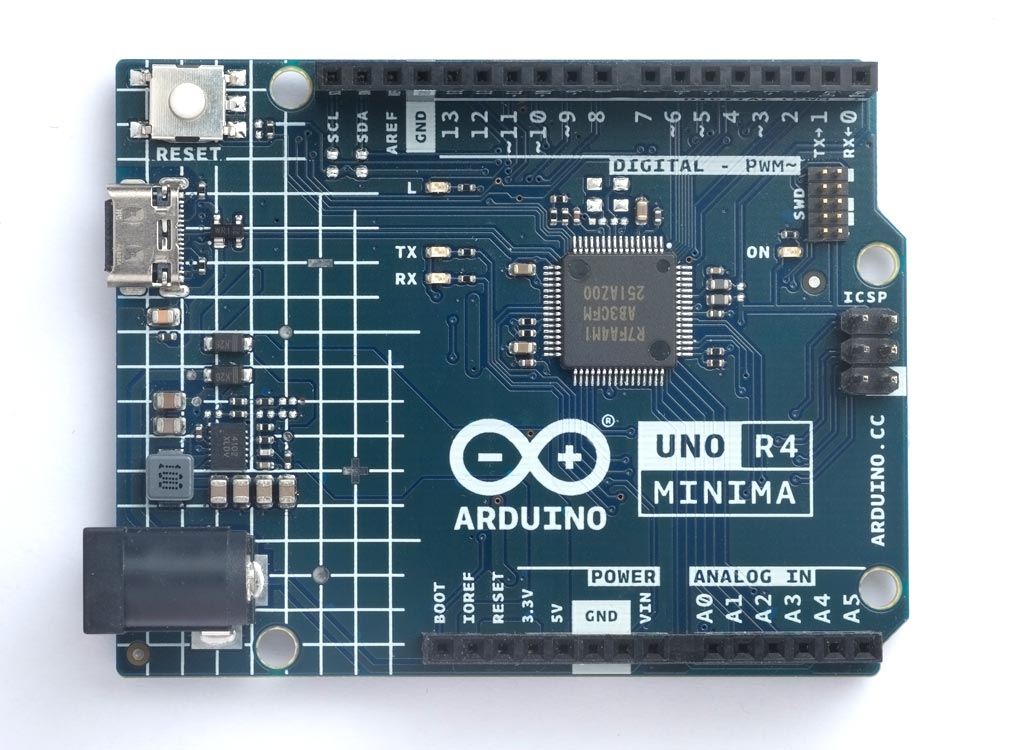
The Arduino Uno R4 Minima is the lowest cost of the two boards:
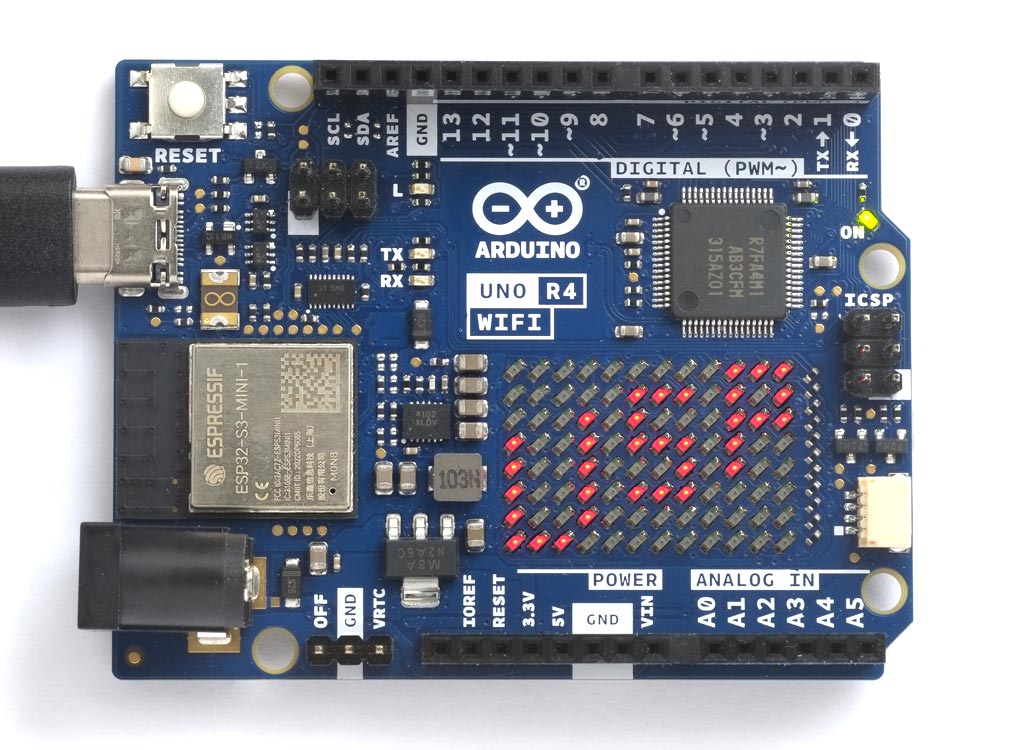
The Arduino Uno R4 WiFi adds Wi-Fi, and an addressable 12x8 LED matrix for displaying text and animations. The Wi-Fi features and LED matrix are supported by uLisp extensions:
For more details see Arduino Uno R4 Boards.


#3

Short form: Does uLisp support SD cards on the UNO R4 WIFI?

Asking for friend. Really! I’m barely Lisp literate, but am looking for a gift for a techie friend who prefers Lisp (clojure specifically, but they might be amused by an Arduino running uLisp). I thought an UNO R4 WIFI with SD shield (or module) and pointers to the uLisp website might allow them to do something fun. I found the LED array great for getting started and being able to access the unit remotely actually allows some practical automation.

Details:
The SD card interface page (http://www.ulisp.com/show?207M) says that SD card interface is not available on the UNO because of the small memory size. I think that refers to the flash, which is only 32k on the UNO Rev 3 but is 256k on the R4 (equal to the Arduino Mega 2560 which seems to be recommended).

Please let me know if anyone knows.
Thanks,
Thor


#4

You’re correct, the Arduino Uno doesn’t have enough program (flash) memory.

I would expect the SD interface to work fine on the R4 as it has plenty of flash memory, but I must admit that I haven’t tried it.


#5

@tmw You might also like to consider the convenience of a board with a built-in SD card interface. To find such boards look at the Platforms table on the Performance page:

Performance - Platforms

Boards with a ‘§’ in the Image column have a built-in SD card socket.


#6

I maybe should have looked at the option to add wifi (and a display at least like the LED array) to a board with a build-in SD. I’ve personally done a control project with the R4 wifi, so plan to start there and augment.


#7

This is an easy way to add SD card functionality to a board, provided you don’t need exchangeable SD cards:

SPI Flash SD Card

You may be able to use this trick on an R4 board:

Adding File Storage to an Arduino


#8

Those are interesting options. Thank you!