Could not open /dev/ttyACM0 error when flashing uLisp on Cardputer


#1

I connected my Cardputer to my Linux PC via USB-C to flash the latest uLisp. However, when I upload the sketch from the Arduino IDE I get the error:

A fatal error occurred: Could not open /dev/ttyACM0, the port is busy or doesn't exist.
([Errno 2] could not open port /dev/ttyACM0: [Errno 2] No such file or directory: '/dev/ttyACM0')

Hint: Check if the port is correct and ESP connected

Failed uploading: uploading error: exit status 2

It has been several months since I last used the Carduputer with the same setup, the only differences being earlier versions of the Linux distro and the Arduino IDE. I now use Linux Mint 22.1 Cinnamon and Arduino IDE 2.3.7.

The USB-C port is the only free one on the PC and it used to be accessible at /dev/ttyACM0. But when the Cardputer is plugged to the port there is no such entry under /dev, or another entry related to the Cardputer. The port seems to work as my Android phone is detected when plugged there.

The user I run Arduino IDE from is a member of group dialup.

Pasting in long listings on the ESP32
#2

See:

Cardputer uLisp Machine - Problem uploading

and see if that helps.


#3

I followed the troubleshooting steps you suggested but I couldn’t go further than pressing the buttons on the Cardputer. The problem is that the relevant port entry in the Tools > Port menu is grayed out, is already selected, and can’t be selected again.

Since I could not select that menu item after entering the bootloader I turned off the device and back on to try flashing another time. I executed Sketch > Upload from the Arduino IDE and the process aborted again with the error:

Sketch uses 1246346 bytes (37%) of program storage space. Maximum is 3342336 bytes.
Global variables use 228772 bytes (69%) of dynamic memory, leaving 98908 bytes for local variables. Maximum is 327680 bytes.
esptool.py v4.8.1
Serial port /dev/ttyACM0:
Connecting......................................
A fatal error occurred: Failed to connect to ESP32-S3: No serial data received.
For troubleshooting steps visit: https://docs.espressif.com/projects/esptool/en/latest/troubleshooting.html

Failed uploading: uploading error: exit status 2

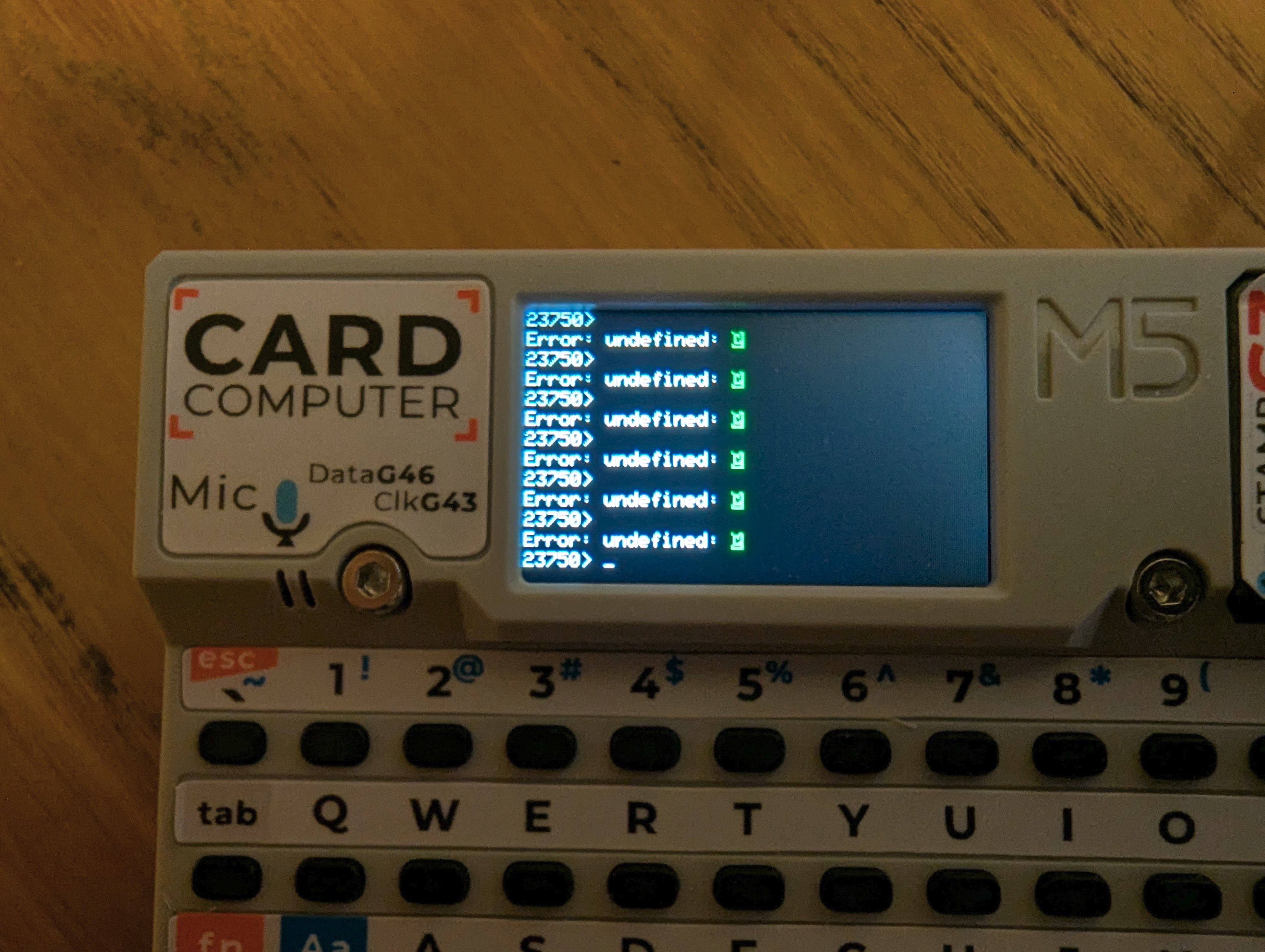
This time instead of the usual uLisp prompt the Cardputer screen looked like this:

Turning off and on again bring back uLisp though.


#4

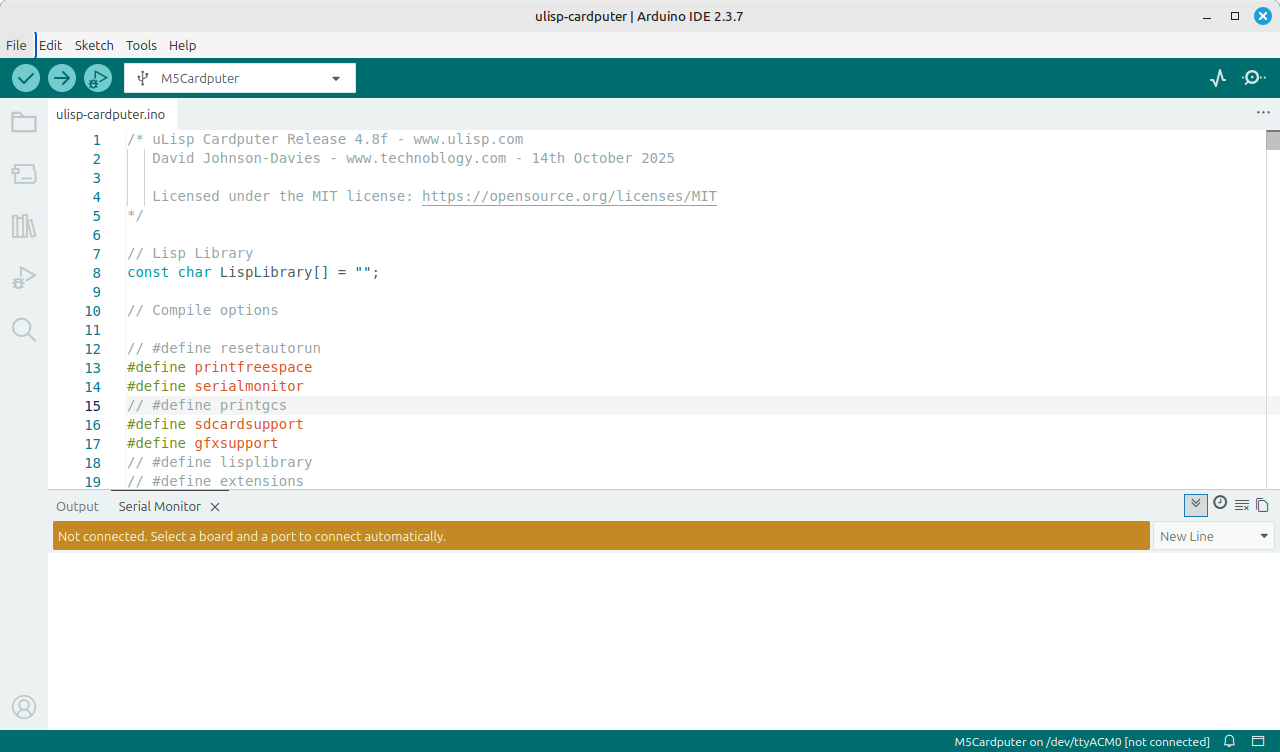
I tried again the troubleshooting steps. After entering the bootloader the Cardputer display goes blank with no uLisp prompt, which I assume is expected. But not even the Serial Monitor can connect:

The problems seems upstream of Arduino IDE: the Cardputer is likely not detected by Linux and there is no entry under /dev.


#5

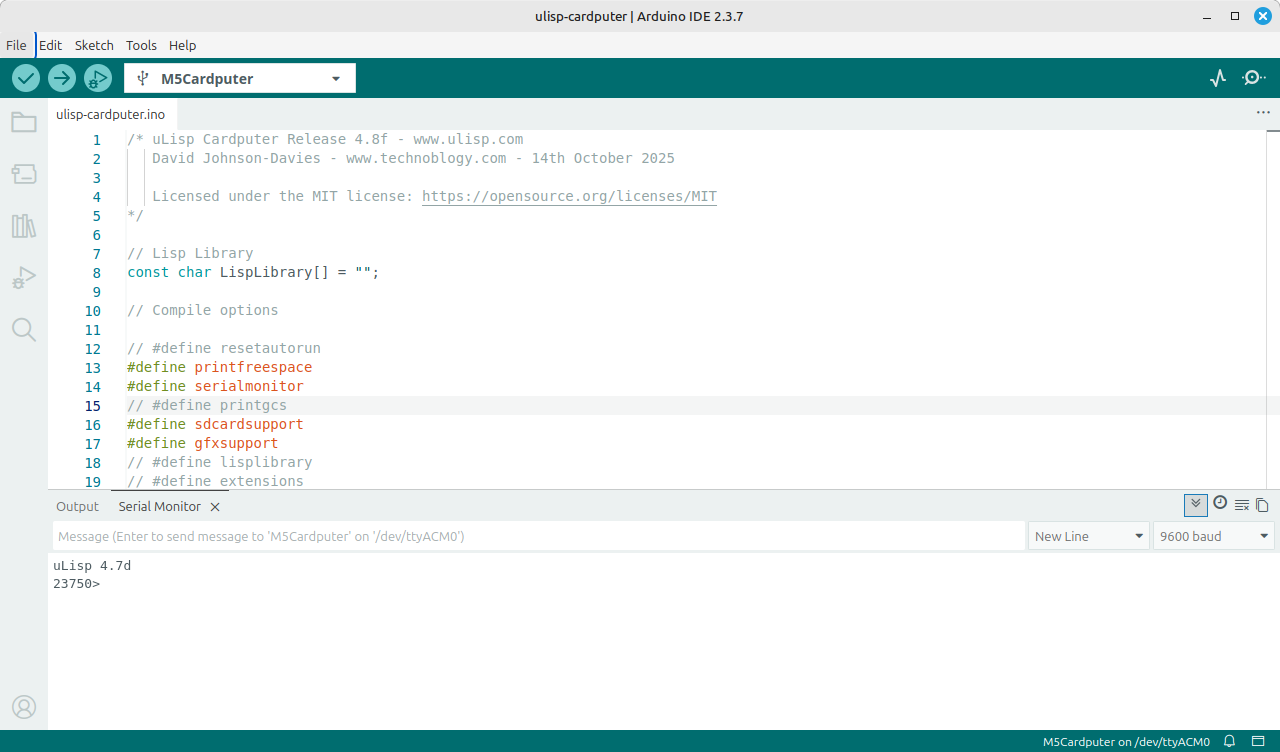
Never mind, after turning of and on again the device the uLisp prompt did show up in the Serial Monitor:

I’m not sure what I’m supposed to do now.


#6

I did another attempt at uploading the sketch after entering the bootloader but got the same error.


#7

From what you’ve said you had the previous version of Cardputer uLisp working fine?

I think the first thing to check is that you can run the Cardputer example programs OK.

I’m not at all familiar with using Arduino on Linux so perhaps someone else can suggest something.


#8

After turning off and on again the Cardputer /dev/ttyACM0 finally showed up and I could select the corresponding port item (no longer grayed out) in Arduino IDE. After entering the bootloader I tried uploading the sketch but the process aborted with another error:

Sketch uses 1246346 bytes (37%) of program storage space. Maximum is 3342336 bytes.
Global variables use 228772 bytes (69%) of dynamic memory, leaving 98908 bytes for local variables. Maximum is 327680 bytes.
esptool.py v4.8.1
Serial port /dev/ttyACM0:
Connecting......................................
A fatal error occurred: Failed to connect to ESP32-S3: No serial data received.
For troubleshooting steps visit: https://docs.espressif.com/projects/esptool/en/latest/troubleshooting.html

Failed uploading: uploading error: exit status 2

The Cardputer display looks like this. After turning off and on again the device it is safe and uLisp works as usual.

I’ll take a look at the other troubleshooting steps but the error hints at a connection issue.